


Pollog Family Assistant
4.2236.00 Reviews
App Specs
- Version
- 1.0.11
- Updated On
- License
- Free
- Downloads
- 1,000,000+
- Developer
- Pollux Teknoloji
- Categories
- Parenting
- Platform
- Android
Screenshots
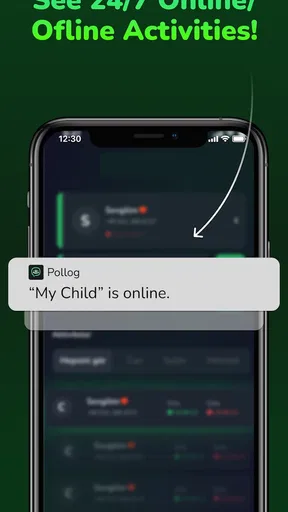
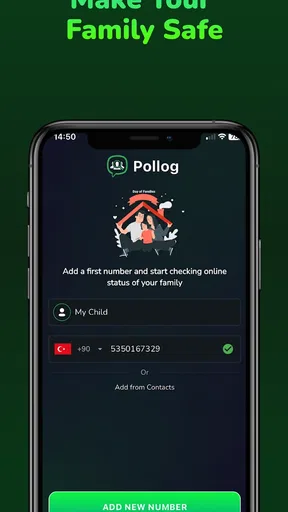
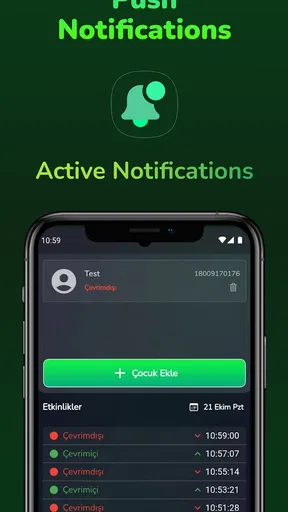
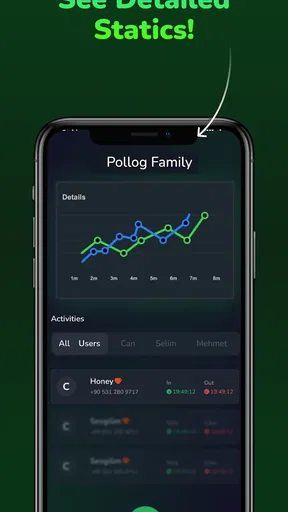
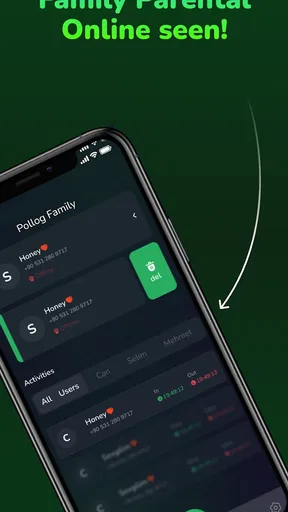
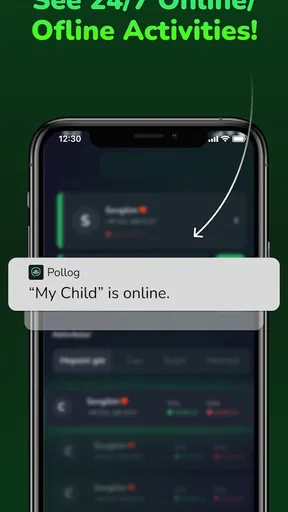
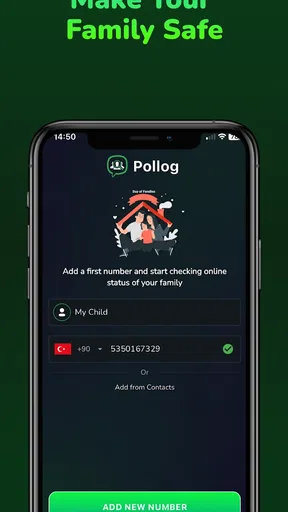
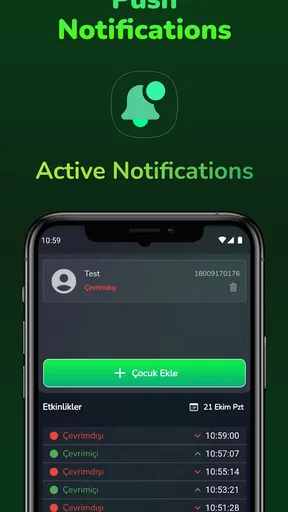
 Analysis by AppCompare
When I choose a family organizer, I start with a practical question: will everyone actually use it? A shared system only helps if it fits the family’s habits, makes responsibilities clear, and doesn’t create another chore for the person already doing most of the organizing. Pollog Family Assistant is a parenting app from Pollux Teknoloji that brings family planning and communication into one place. I’d consider it when the problem is coordination across several people, rather than simply keeping my own calendar tidy.
That distinction matters. A personal calendar is usually quicker for one person’s appointments, while a family group chat is familiar for quick messages. Neither automatically gives a household a shared view of plans and assigned jobs. Pollog aims to join those everyday needs, so its strongest case is for families who want a common routine and are willing to get everyone comfortable with using the same app.
Choose it for shared routines, not just reminders
The useful test is whether your family has tasks that regularly fall between people: who is handling a shopping item, what needs doing before a busy day, or where to keep a plan everyone should see. Pollog’s shared calendar, chores, shopping lists, reminders, and messaging are relevant to that kind of friction. If you only need a place to note your own appointments, this broader family setup may be more than you need.
I’d also think about who needs access before moving everything over. A household with adults coordinating work and home responsibilities may appreciate one shared space, while a family whose members prefer different tools could find a common app difficult to maintain. The goal is not to put every family conversation and document in one place; it is to make the information that affects more than one person easier to find.
Where Pollog has an advantage
Its appeal is the combination of household planning and communication. Instead of posting a chore in a chat and hoping someone remembers it, you can assign it to a person and keep it alongside other family plans. That small change can make responsibility more explicit. I find this most useful when a task has a clear owner and a clear finish, rather than when a family is trying to manage an open-ended project through reminders.
The messaging and sharing options also give families a place to keep practical exchanges near their plans. For example, if a family is arranging an outing, a conversation can sit within the same general environment as the schedule rather than disappearing among unrelated chats. That does not mean every family will want to move its social conversations. I’d start by using Pollog for coordination that has a real connection to shared tasks, then see whether the group naturally uses it for more.
Your Personal Family Coordinator
Right off the bat, Pollog Family Assistant caught my attention with its clean and intuitive design. Setting it up was a breeze, and within minutes, I had added my family members and started organizing tasks. The app allows you to create a shared calendar, assign chores, and even create shopping lists. It's like having a personal assistant dedicated to making family life smoother.
Worth Reading Before You Choose

Flipboard Shows What News Apps Must Do Beyond the Feed

Switching to Android Auto Means Rethinking Your Driving Routine

Google Calendar Makes a Crowded Week Easier to Manage

Ludo King Makes the Most of the Minutes Between Plans

Baby Panda World Brings Quick Play to Modern Phones, but Its Game Library Feels Busy

ESPN’s Live Game View Makes Following Close Games Easier
One of the features I found incredibly useful is the ability to assign tasks to specific family members. No more "I thought you were doing it!" arguments. Each person knows what they need to do, and there are gentle reminders to keep everyone on track. Plus, the satisfaction of checking off completed tasks is surprisingly motivating.
Communication Made Easy
Communication is key, and Pollog gets that. The app includes a messaging feature that keeps all family conversations in one place. Whether it's planning a family outing or discussing dinner plans, you can easily chat without switching between apps. It's like having a family group chat that doesn’t get lost in a sea of other messages.
Another neat feature is the ability to share photos and documents. Need to send a reminder note or a cute picture of the family pet? It's all possible within the app. This makes organizing and sharing information much simpler.
A practical way to test that sharing feature is to agree on what belongs there before inviting the whole household. A school-related note or a document the family needs to refer to may be more useful in a shared space than buried in a personal conversation. By contrast, private messages or files that only one person needs do not automatically become family business. I’d keep the shared area focused, so useful items remain easy to locate instead of turning into another busy feed.
Customizable and User-Friendly
What I appreciate about Pollog is its customization options. You can tweak settings to suit your family's needs, whether it's adjusting notification preferences or personalizing the app's appearance. The user-friendly interface is suitable for all ages, so even the less tech-savvy family members can join in without feeling overwhelmed.
"Pollog Family Assistant is like having a family secretary that fits right in your pocket!"
On the go? No problem. Pollog syncs across devices, so whether you're on your phone or tablet, you'll always be in the loop. It's perfect for busy families who need to manage their lives on the fly.
Make the first week easier on everyone
To avoid a messy start, I would not try to transfer every household habit at once. Begin with one shared calendar item, a short shopping list, and a few chores that genuinely need an owner. That gives each person a reason to open the app and lets the family see whether reminders help or feel intrusive. Once the routine is working, add other shared plans gradually rather than duplicating every conversation from existing tools.
There is a useful trade-off here: assigning a task can reduce ambiguity, but it also makes the organizer responsible for setting it up clearly. “Tidy up” may mean different things to different people; a specific task with an agreed expectation is easier to complete without follow-up. I’d use the app to make household agreements visible, not to turn every small favor into a tracked obligation.
For a realistic example, imagine a parent finishing work while another family member is picking up groceries and a child has a household job to remember. A shared list can keep the needed items together, while the calendar and task assignments make the other responsibilities visible to the people involved. The benefit is not that the app makes a busy afternoon effortless; it is that fewer details have to be carried in one person’s memory or reconstructed from separate messages.
Families should still agree on how they will handle urgent changes. A shared organizer is most helpful for plans people can check, not as a guarantee that everyone will notice a last-minute update at the same moment. For time-sensitive arrangements, I would use the communication method the family already knows everyone checks, then keep the longer-running plan in Pollog. That simple division avoids expecting one app to replace every kind of contact.
When another approach may suit you better
Pollog is not automatically better than the familiar alternatives. A basic calendar may be the cleaner choice when the main need is dates and appointments. A group chat may suit relatives who need occasional coordination but are unlikely to maintain a separate household routine. A dedicated list or task tool may be preferable if one person wants detailed personal planning rather than family-wide assignments. These options are not interchangeable in every household, and the best one is the system people will actually check.
I would be cautious about adopting Pollog if family members resist shared apps, have little need to coordinate chores, or already manage household plans smoothly elsewhere. Switching tools also has a social cost: everyone needs to know where to post an update, which reminders matter, and whether a task is considered agreed once it appears. If only one person keeps the information current, the app can become an extra administrative job instead of reducing one.
Privacy and comfort are worth discussing as a family, especially before sharing documents or photos. Decide which items are appropriate for a common space and who should be included. That is a good habit with any shared family app, and it can prevent convenience from turning into oversharing. I’d also check the current in-app purchase details before relying on any paid option; the app is free to download, with in-app purchases listed from $3.99 to $13.99 per item.
Practical details and a fair trial
Pollog is rated for Everyone and requires Android 7.0 or later. It is currently at version 1.0.11, and it has a 4.2 average from around 70,000 ratings, with over 1 million installs. Those figures suggest it has reached a substantial audience, but they cannot tell you whether your own family will adopt it. I’d treat a short household trial as more meaningful than popularity alone.
The key questions are straightforward: can each person find the shared information they need, do assigned chores make ownership clearer, and are notifications helping rather than nagging? If the answers are mostly yes after using a small set of routines, it may be worth making Pollog the family’s regular coordination space. If people keep reverting to scattered messages or a calendar they already trust, there is little value in forcing a switch.
Final Thoughts
After spending some time with Pollog Family Assistant, I can honestly say it's a game-changer for family management. It combines practicality with ease of use, making it a must-have for any family looking to streamline their daily routines. While no app is perfect, Pollog comes pretty close and offers a comprehensive solution for keeping everyone organized and connected.
So, if you're tired of the chaos that comes with family life, give Pollog a try. It might just become your new favorite app.
Pros
- User-friendly interface for easy navigation.
- Comprehensive family scheduling features.
- Secure data encryption for privacy.
- Cross-platform syncing available.
- Customizable notifications for tasks.
Cons
- Limited free version features.
- Occasional sync delays reported.
- No offline mode available.
- Requires constant internet connection.
- In-app purchases can be pricey.
FAQs for Pollog Family Assistant
What is Pollog Family Assistant?
Pollog Family Assistant is a comprehensive app designed to help families manage their daily activities, schedules, and tasks efficiently. It provides a shared calendar, task lists, and communication tools, ensuring everyone in the family stays connected and organized. It's available on both Android and iOS platforms.
How does Pollog ensure data privacy and security?
Pollog Family Assistant prioritizes user privacy and data security by employing advanced encryption methods to protect personal information. All data is stored securely, and the app complies with major privacy regulations. Users can also customize their privacy settings to control who has access to their information within the family group.
Can I sync Pollog with other calendar apps?
Yes, Pollog Family Assistant allows seamless syncing with popular calendar apps like Google Calendar and Apple Calendar. This feature ensures that all your events and appointments are consolidated in one place, making it easier to manage schedules across different platforms without missing any important dates.
Is Pollog suitable for large families?
Pollog Family Assistant is designed to accommodate families of all sizes, offering features like multiple user accounts and customizable access permissions. Whether your family is small or large, the app provides tools to coordinate and communicate effectively, ensuring everyone is on the same page and tasks are allocated efficiently.
Does Pollog offer any parental controls?
Yes, Pollog Family Assistant includes robust parental controls that allow parents to monitor and manage their children's activities within the app. Parents can set permissions, approve tasks, and limit access to certain features, creating a safe and controlled environment for younger family members.


